Bumping vendored dependencies in a repository
I have a love/hate relationship with vendoring dependencies in a repository. This enduring trauma and admiration comes from many of the projects I’ve supported over the years.
Vendoring is a terribly convenient pattern, doubly so when the upstream source of that dependency could be unavailable when/where you’re running that project. Corporate firewalls or proxies, unstable connectivity on customer sites, shifting politics of package sources, and plain old “this shouldn’t be connected to the internet” are all great reasons to vendor a dependency.
Every vendored dependency presents an opportunity to be forgotten in your codebase … unmaintained, unknown, and silently doing exactly the work it was asked to do. It doesn’t have to be this way.
Let’s trick Dependabot into proposing updates to dependencies where the whole darn thing is checked into the repository.
An example of many
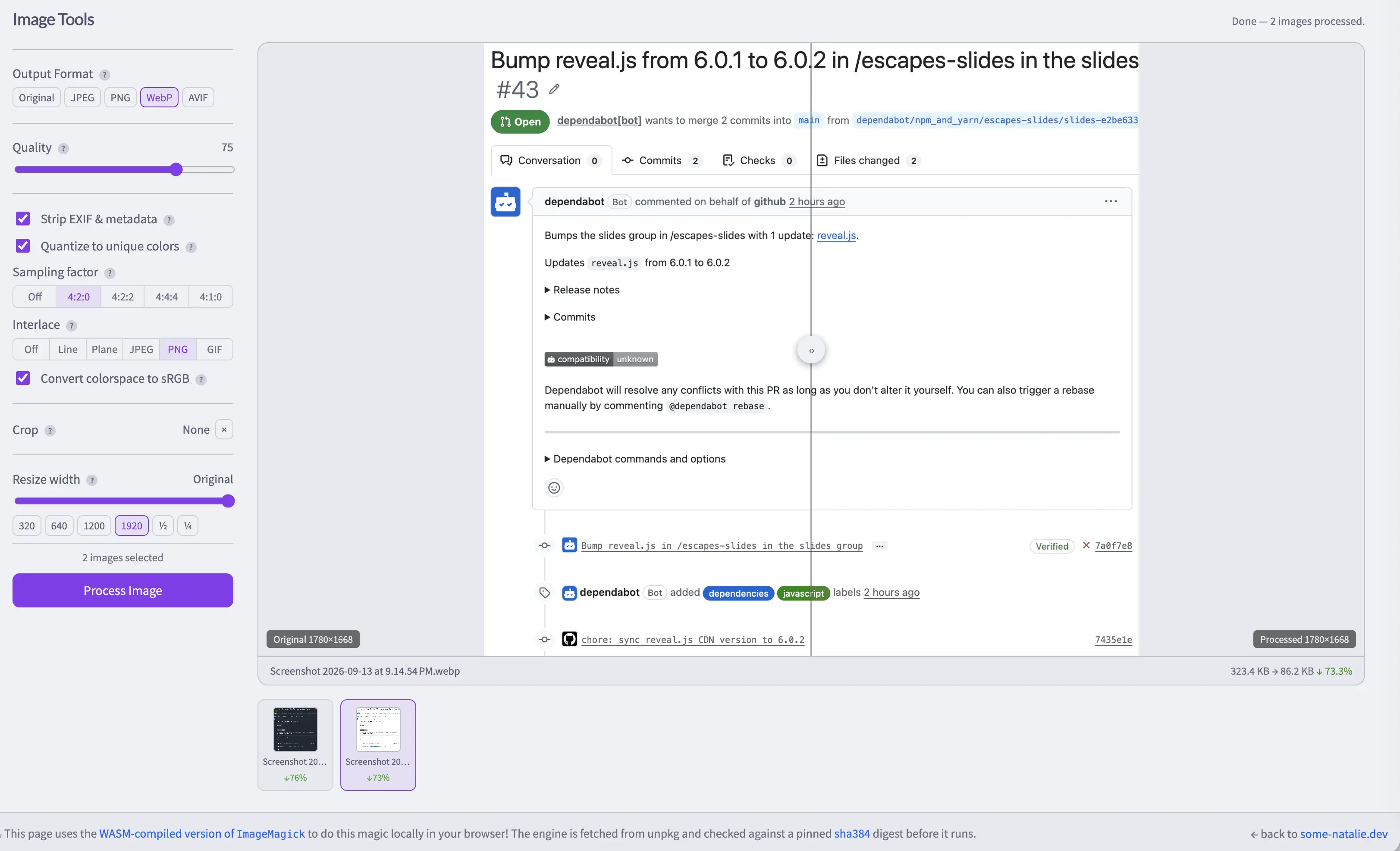
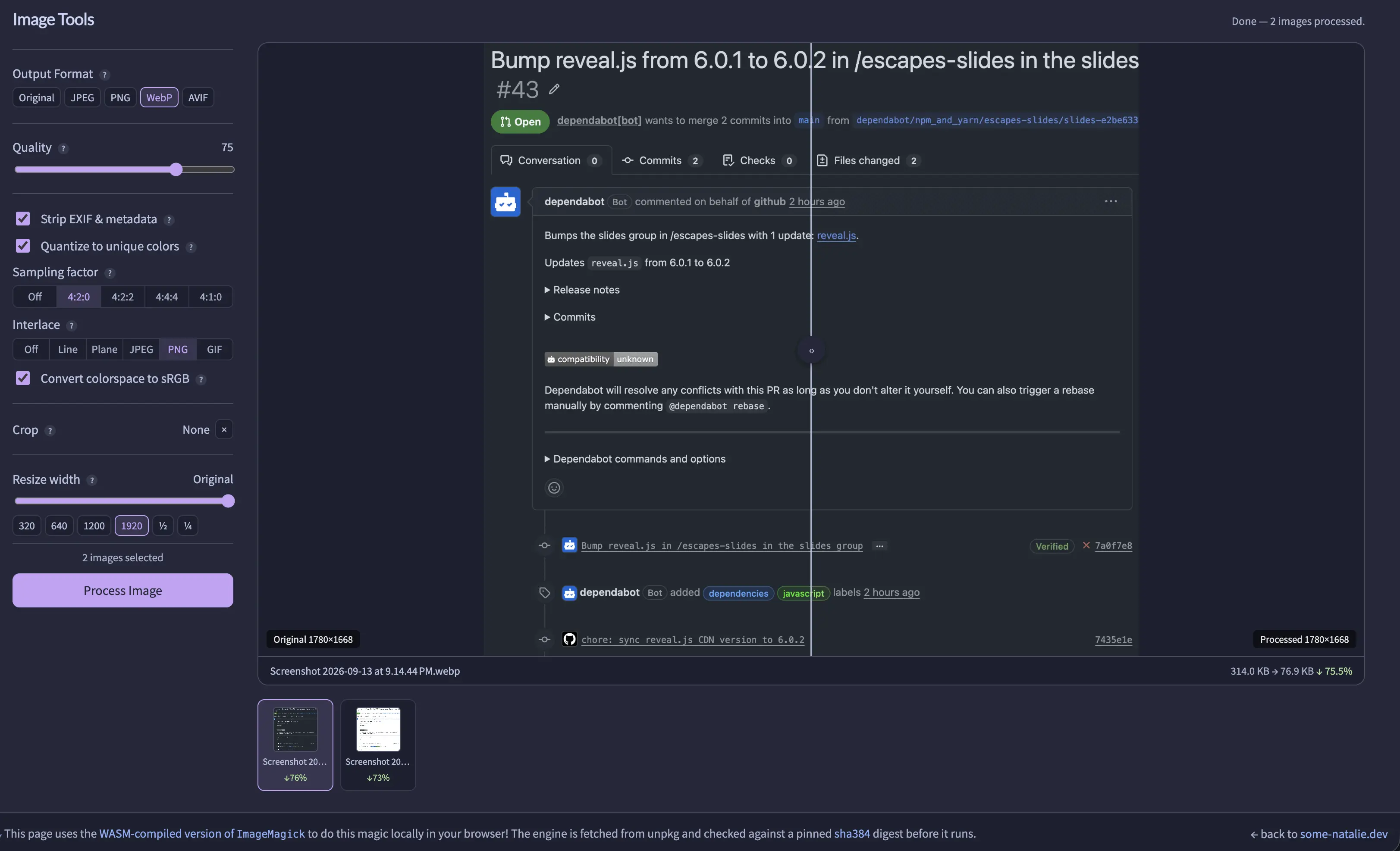
Vendored dependencies can get complex quickly. Let’s use a super simple example. I have a neat set of image tools to optimize images for web hosting. I can never recall the correct commands to use ImageMagick at the command line, GIMP is overkill for the handful of tasks I use frequently, and the many ad-laden “free” websites do who-knows-what with the images I upload. I wired together a small front-end for the WASM library for ImageMagic (GitHub ) using some AI for personal use.
There are two related-but-independent problems to solve.
- Getting Dependabot to see something to update with a pull request.
- Genuinely updating that thing when Dependabot changes the manifest file.
There are many small personal tools I’ve written and/or vibed together these past few years on the internet. If there are any external dependencies, I try to keep them vendored. The vendored dependency pattern saves me time also … if I can keep them maintained too.
Getting Dependabot to see vendored dependencies

Let’s not try to be clever.
Dependabot does one thing well.
This is a good thing. Make your project pretend to fit the one thing it does well by creating an appropriate manifest file.
In this case, a package.json file for NPM works lovely.
1
2
3
4
5
6
7

{
  "private": true,
  "type": "module",
  "dependencies": {
    "@imagemagick/magick-wasm": "0.0.43"
  }
}
However, this file doesn’t do anything directly without NPM (or whatever other package manager you choose) managing the package. 🙈
Now follow the paved path the tiny bit it helps
Tell Dependabot about it, just like a normal dependency, in ~/.github/dependabot.yaml. It’ll send you a PR that is meaningless without the package manager.
1
2
3
4
5
6

version: 2
updates:
  - package-ecosystem: "npm"
    directory: "/image-tools/"
    schedule:
      interval: "weekly"
Stopping here, pretending to keep it updated, is even more dangerous than not declaring a dependency at all.
Receiving updates is the critical step

Getting a PR to update to a dummy manifest file isn’t truly updating the dependency, so now we need to add a second step.
This is where your CI system saves you the time and effort. Almost any CI system will do just fine. All that needs to happen is to run a simple script on opening a PR.
Let’s tell GitHub Actions to do something, walking through this together with in-line comments.
1
2
3
4
5
6
7
8
9
10
11
12
13
14
15
16
17
18
19
20
21
22
23
24
25
26
27
28
29
30
31
32
33
34
35
36
37
38
39
40
41
42
43
44
45
46
47
48
49

name: Sync magick-wasm version

on:
  pull_request:
    paths:
      # only run when the manifest is touched in a PR
      - "image-tools/package.json"

jobs:
  sync-version:
    # and only if dependabot opened that PR
    if: github.event.pull_request.user.login == 'dependabot[bot]'
    runs-on: ubuntu-latest  # or self-hosted/whatever if applicable
    permissions:
      contents: write  # this is all it needs

    steps:
      - uses: actions/checkout@3d3c42e5aac5ba805825da76410c181273ba90b1 # v7.0.1
        with:
          ref: ${{ github.head_ref }}
          token: ${{ secrets.GITHUB_TOKEN }}

      - name: Extract new version from package.json
        id: ver
        shell: bash
        run: |
          VERSION=$(jq -r '.dependencies["@imagemagick/magick-wasm"]' image-tools/package.json)
          echo "version=$VERSION" >> "$GITHUB_OUTPUT"
        # that last line exports it for use in other steps

      - name: ✨ Actually update the thing you need to update ✨
        shell: bash
        env:
          VERSION: ${{ steps.ver.outputs.version }}
        run: |
          set -euo pipefail
          echo "hello world"
        # the bespoke step for ✨ your particular dependency ✨ in its project home.
        # i like to use bash, with `sed` and regex doing the heavy lifting.
        # other scripting languages likely all work too.

      - name: Commit and push if anything changed
        shell: bash
        run: |
          git config user.name  "github-actions[bot]"
          git config user.email "github-actions[bot]@users.noreply.github.com"
          git add image-tools/*
          git diff --cached --quiet || git commit -m "chore: sync magick-wasm CDN version to ${{ steps.ver.outputs.version }}"
          git push
My generic workflow is above, usually with that “bespoke” step being
- an in-line bash script to download/untar/patch something simple
- a Python script stored in
~/.github/scripts/for more complex vendoring - just once … an entire build and compile step for an unsupported CPU architecture … 🫠
- additional tests or steps to integrate the vendored project into mine
Receive updates
… from here, you receive genuinely useful pull requests updating your vendored dependencies on a schedule. That’s it. 😌
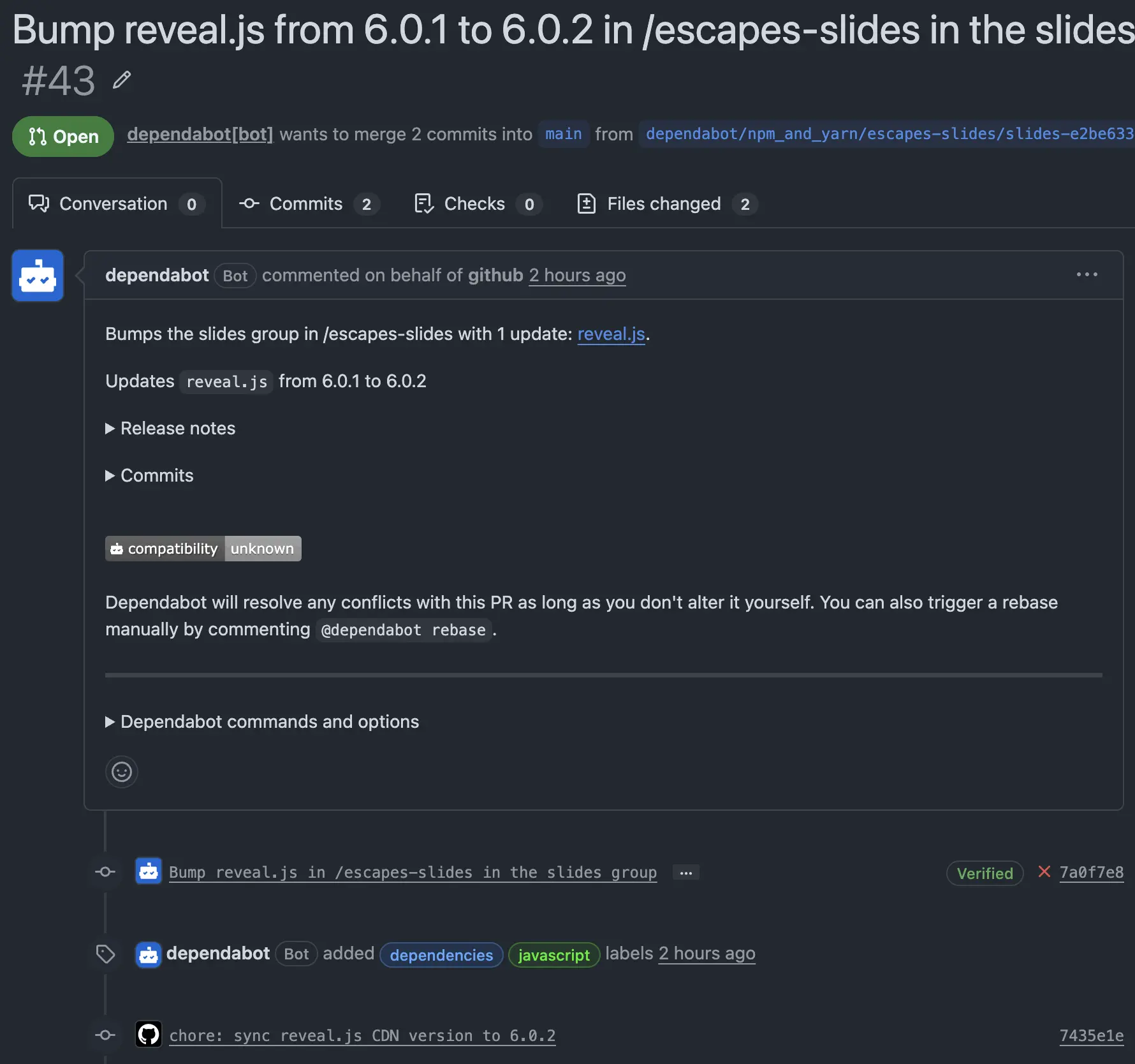
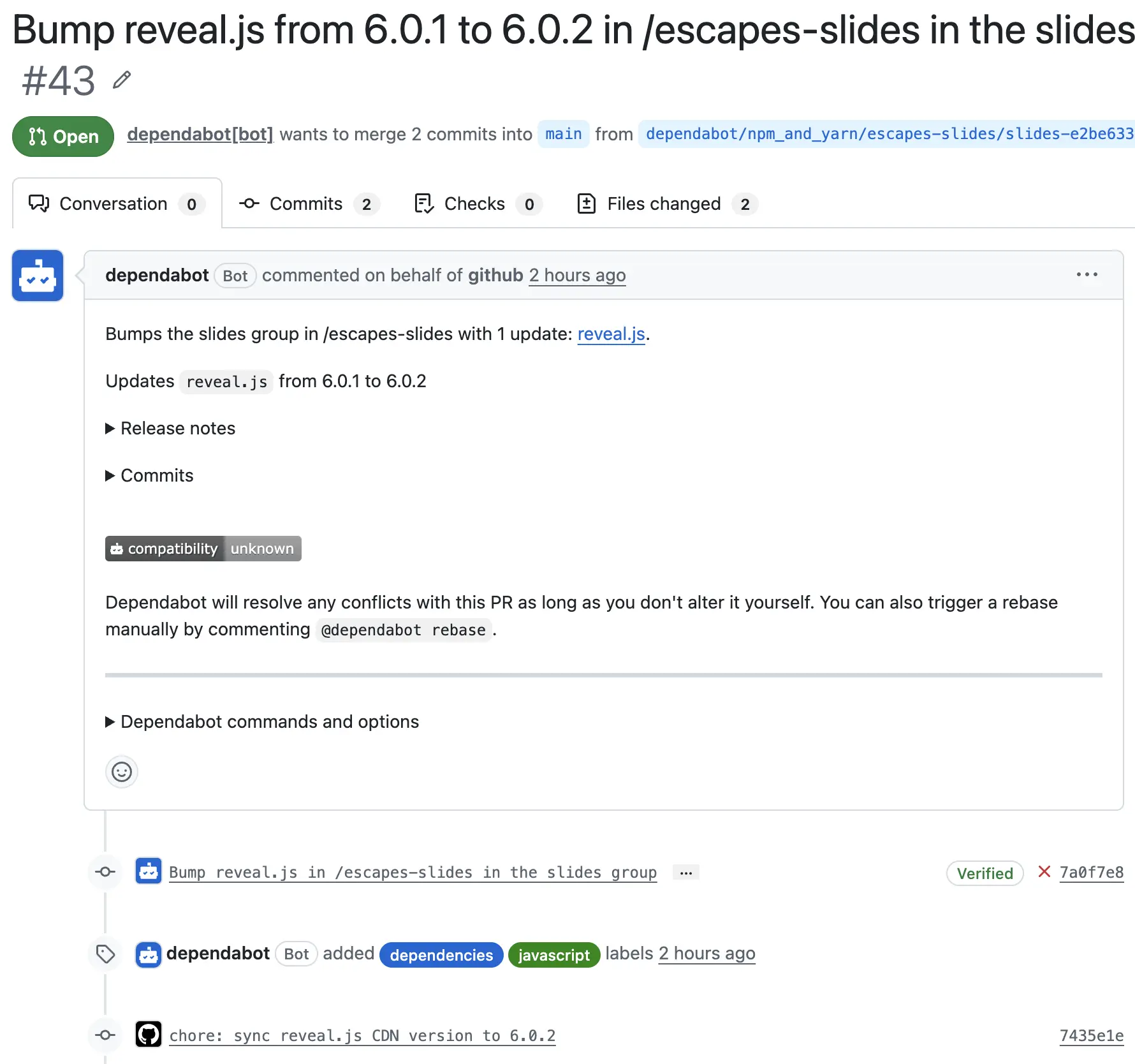 an updated PR from Dependabot, amended to actually update the vendored dependency too
A parting note about AI
I’ve been using some variation of this pattern before GitHub Actions was a thing using cron jobs and Jenkins, long before large language models existed. I tried to have AI manage dependency updates, but it was not catching the same dependencies from the same canonical sources on every run. A few quick curl calls into sed that should take seconds instead took 10 minutes or more of “reasoning” and token burn. It was not effective and the lack of guardrails around what should be updated could make those updates unsafe to accept.
However, AI is ✨ phenomenally good ✨ at writing the “update the thing” script. It’s a toilsome, simple task. Once the script is in place and the job configured, no change needs to happen unless the project changes how the vendored project is used. It’s as close to “set it and forget it” as vendored dependencies can be.
“Take
this patternand apply it to all the vendored dependencies inthis project” is a cheap and fast prompt for an AI agent to discover untended dependencies, write acceptance tests on updating them, and keep them maintained.